
VIDEO LIBRARY
Orq.ai's Video Library
Watch educational walkthroughs and informative videos about building LLM apps and agents in Orq.ai.
All
Getting Started
Tutorials
Customer Videos
Webinar
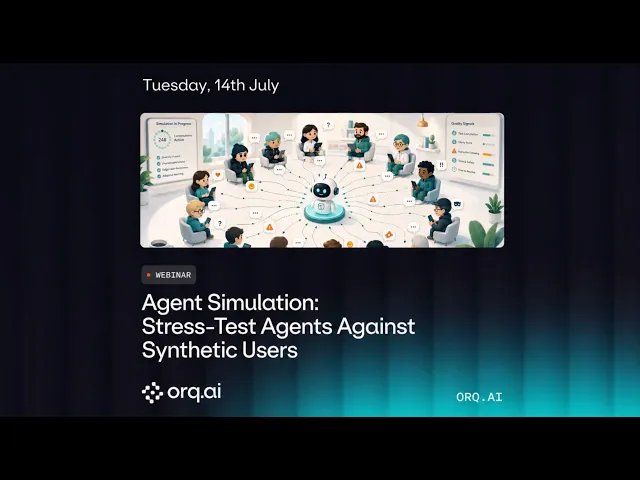
Agent Simulation: Stress-Test Agents Against Synthetic Users
Agent Simulation in evaluatorq drives your AI agent through realistic multi-turn conversations using three LLMs: a user simulator that plays a persona pursuing a goal, your agent as the system under test, and a judge that scores whether the goal was met and whether any rules were broken. This removes the need to hand-write test transcripts for every scenario you want to cover.
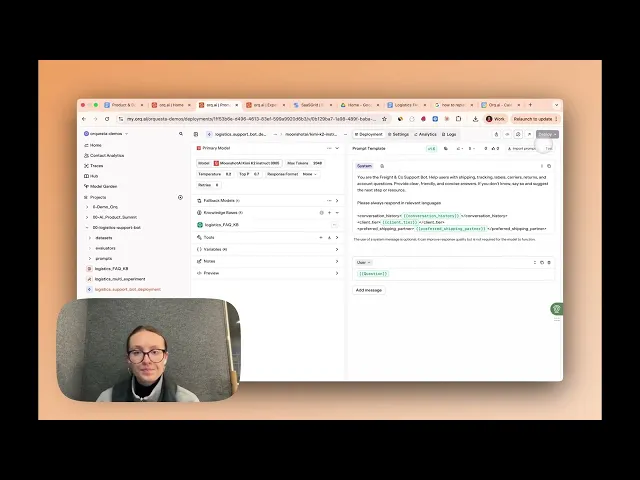
How to Use Version Control, SDK Snippets, and PII Filtering in Orq.ai Deployments
In this walkthrough, you'll learn how to manage Deployments in Orq.ai using version control, SDK snippets, and PII filtering. Roll back to previous versions, copy ready-to-use SDK code for your language, and configure PII filters to strip sensitive data from prompts and responses. Use this to ship LLM apps that are safe to run in production and easy to maintain over time.
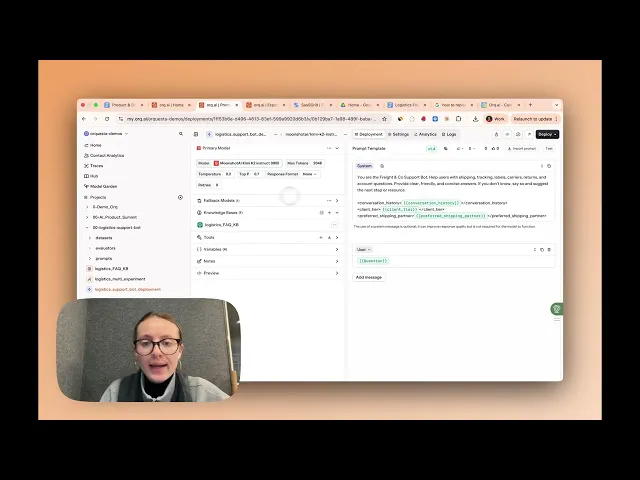
How to Build and Configure a Knowledge Base (RAG) in Orq.ai
In this walkthrough, you'll learn how to build and configure a Knowledge Base in Orq.ai. Upload documents, set chunking and embedding parameters, and connect your Knowledge Base to any Agent or Deployment. Use this to ground LLM responses in your own data without managing a vector database or retrieval pipeline yourself.
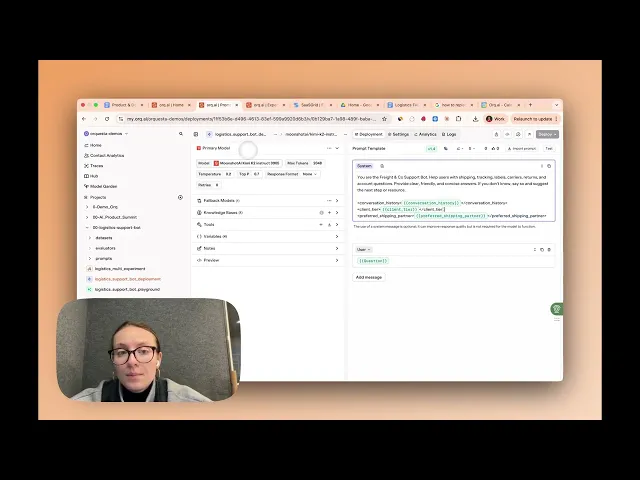
How to Use Variables and Fallback Models in Orq.ai Deployments
In this walkthrough, you'll learn how to use variables and fallback models in Orq.ai Deployments. Pass dynamic values into your prompts at runtime, and route to a backup model automatically if the primary one fails. Keep production LLM apps resilient and personalized without touching your integration code.
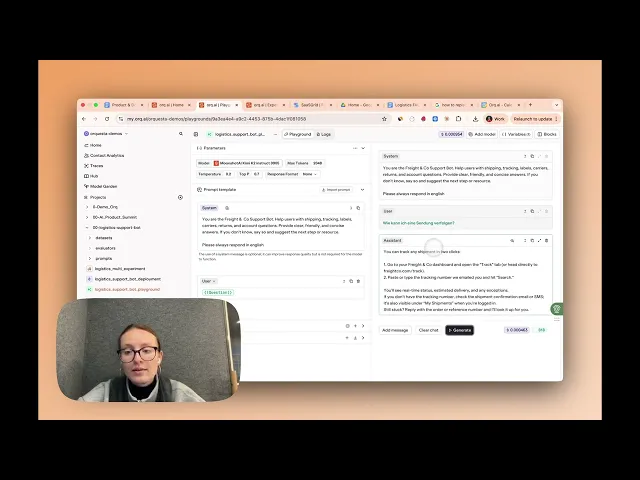
How to Use Playgrounds in Orq.ai
In this walkthrough, you'll learn how to use Playgrounds in Orq.ai to test prompts across models, tune parameters, and compare outputs side by side. Use it to iterate on prompts before shipping, benchmark new models against your current production setup, and catch regressions when you update a prompt or swap providers.
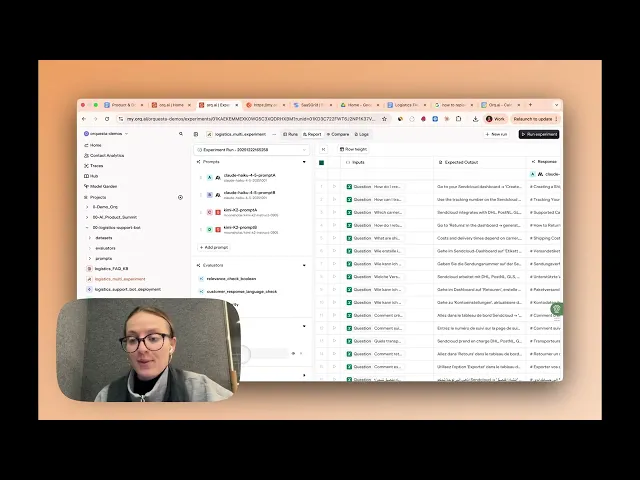
How to evaluate LLMs? Experiment on Orq.a
In this quick walkthrough, you'll learn how to use Orq.ai's Experiments module to compare AI models, configure prompts, and evaluate results. Ideal for A/B testing prompts and running regression tests on your AI workflows.
Find Vulnerabilities Before Attackers Do
In this session, Bauke Brenninkmeijer (AI Research Engineer at Orq.ai) walks through what red teaming actually means for LLM agents, why it's different from regular evaluation, and how to run automated adversarial testing on your own agents.

CopyPress x Orq.ai
Welcome to Orq.ai, your control center for building, testing, and deploying LLM-powered software.
Master AI Model Evaluation with Orq.ai Experiments Module
In this webinar, Kyra Dresen (orq.ai) walks through a practical, end-to-end approach to AI model evaluation using orq.ai's Experiments module - from planning your success metrics to running live experiment comparisons in the UI.
Automate evals & observability with Claude Code + orq.ai
Use this guide to walk through the webinar.
Release 4.1 feature highlight: Evaluatorq
𝗘𝘃𝗮𝗹𝘂𝗮𝘁𝗼𝗿𝗾 is a Python evaluation framework designed for running multiple experiments in parallel and measure AI performance directly from your Python code.

Release 4.1 feature highlight: Memory Stores
𝗠𝗲𝗺𝗼𝗿𝘆 𝗦𝘁𝗼𝗿𝗲𝘀 are persistent storage for agent memories, allowing your agents to maintain context and recall information across conversations Check out a short build to learn when to use Memory Stores and when to go for a Knowledge Base.
Getting started with Agents Studio
Learn how to build your first agent in Agent Studio

Getting Started with MCP Server
Learn how to set up Orq.ai MCP Server in your CLI

How to use human feedback in Orq.ai
Find out how to leverage human feedback to improve system performance

How to build datasets with historical data
Learn how to use historical data to build curated datasets in Orq.ai.

How to create and import test data
Learn how to easily import test data and use it as part of an evaluation workflow in Orq.ai.
How to Build RAG Pipelines in Orq.ai
Find out how you can create a knowledge base in Orq.ai in less than 2 minutes.
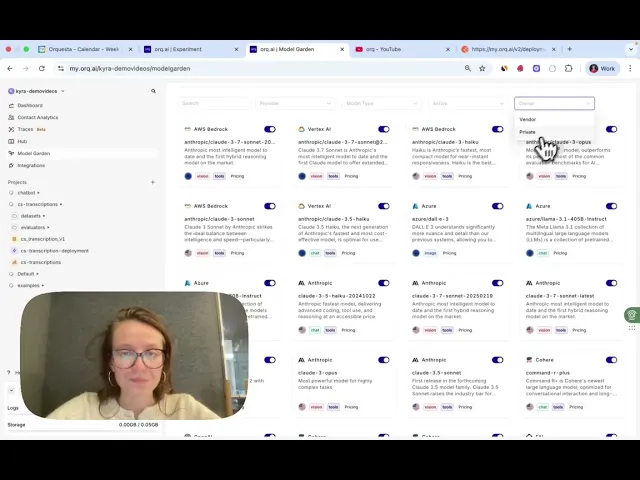
How to Set up the Model Garden
Learn how to enable models from OpenAI, Anthropic, and more for your GenAI use case.
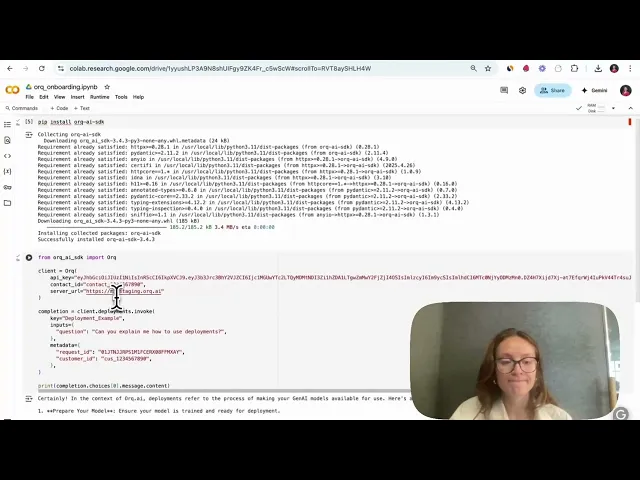
How to run a Deployment
Learn how to set up your first deployment and publish prompt and model changes.

Prompt Library, Fallbacks, & More
Learn how to use our platform to iterate safely on prompt configurations.
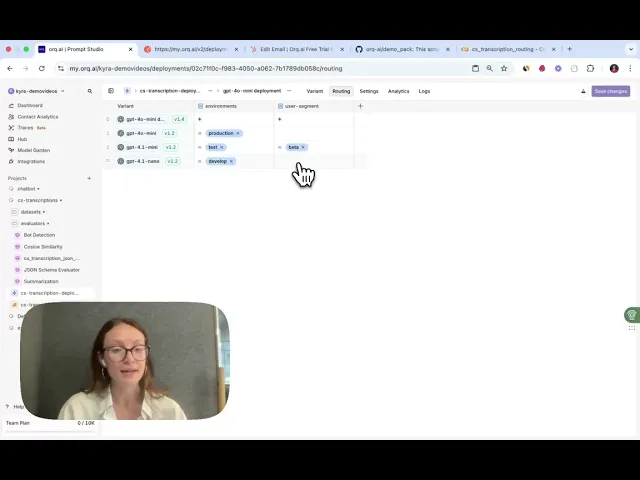
How to set up the Routing Engine
Discover how to do A/B tests, carry out canary releases, and do contextualized routing.

How to run Logs & Traces
Use logs and traces in to gain full visibility into your LLM app’s behavior.
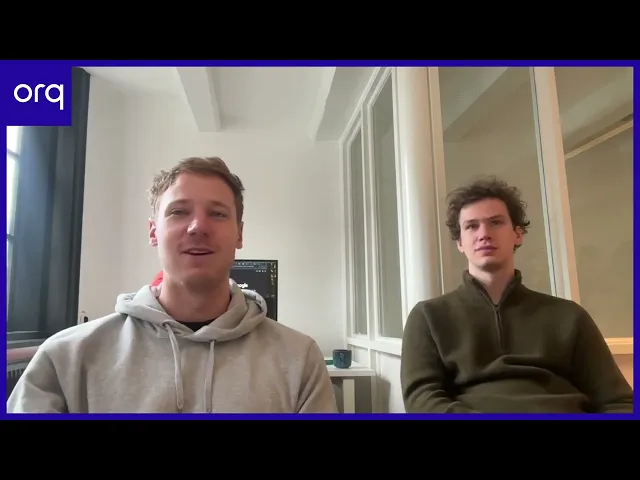
Tidalflow.io x Orq.ai
Learn how Tidalflow delivers LLM-based features using Orq.ai.